
John Z Black
Brunswick, ME • (207) 245-1010 • contact@johnzblack.com
Stop reading and update Chrome first. Menu > Help > About Google Chrome. Let it update, restart. If you’re on Edge, Brave, or Opera, same deal – same engine, same vulnerabilities.
Done? Here’s why that mattered.
Two Chrome Zero-Days, Both Actively Exploited
Google patched two zero-days this week – both being used in attacks before the patches existed.
CVE-2026-3909 is an out-of-bounds write in Skia (Chrome’s graphics library). CVE-2026-3910 is in V8, Chrome’s JavaScript engine, and allows arbitrary code execution. “Actively exploited” means attackers were ahead of the fix.
Chrome has over three billion users. These aren’t theoretical risks – someone was hitting real people before the patches dropped.
Android Had 129 Problems
Google’s March 2026 Android security bulletin covers 129 vulnerabilities. One, CVE-2026-21385, is flagged as potentially under “limited, targeted exploitation.”
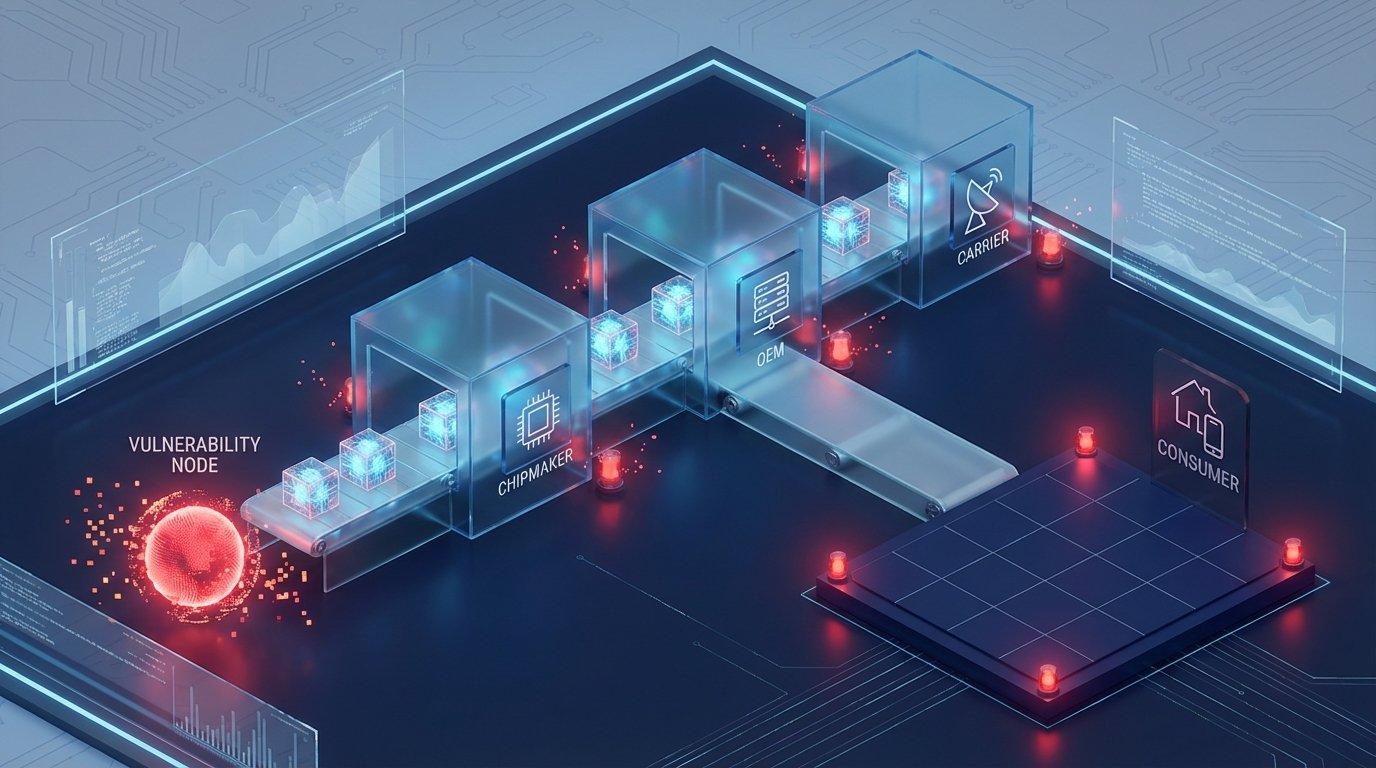
Here’s the catch: Pixel phones get patches quickly from Google. Everyone else waits for their manufacturer to adapt and push the update. That process takes weeks. Sometimes longer. Sometimes never, if your device is outside the support window.
Check your status: Settings > About phone > Android security update. If it doesn’t say March 2026, you’re still waiting.
The Systemic Problem
MediaTek notified OEMs about its March vulnerabilities at least two months before publishing them publicly. That sounds responsible. But user protection still depends on your phone maker actually shipping the update to your specific model.
That gap – from “chipmaker notified OEMs” to “installed on your phone” – is where people stay exposed. It’s not a new problem, but having two Chrome zero-days and major Android flaws land in the same week is a good reminder it hasn’t been solved.
If your device is stuck on old patches and your manufacturer has stopped supporting it: the honest answer is that it’s a security risk. If replacement isn’t an option, at least don’t use it for banking, and keep the browser updated separately where you can.
Update Chrome first. Then check your Android patch level. Then make a plan.