
John Z Black
Brunswick, ME • (207) 245-1010 • contact@johnzblack.com
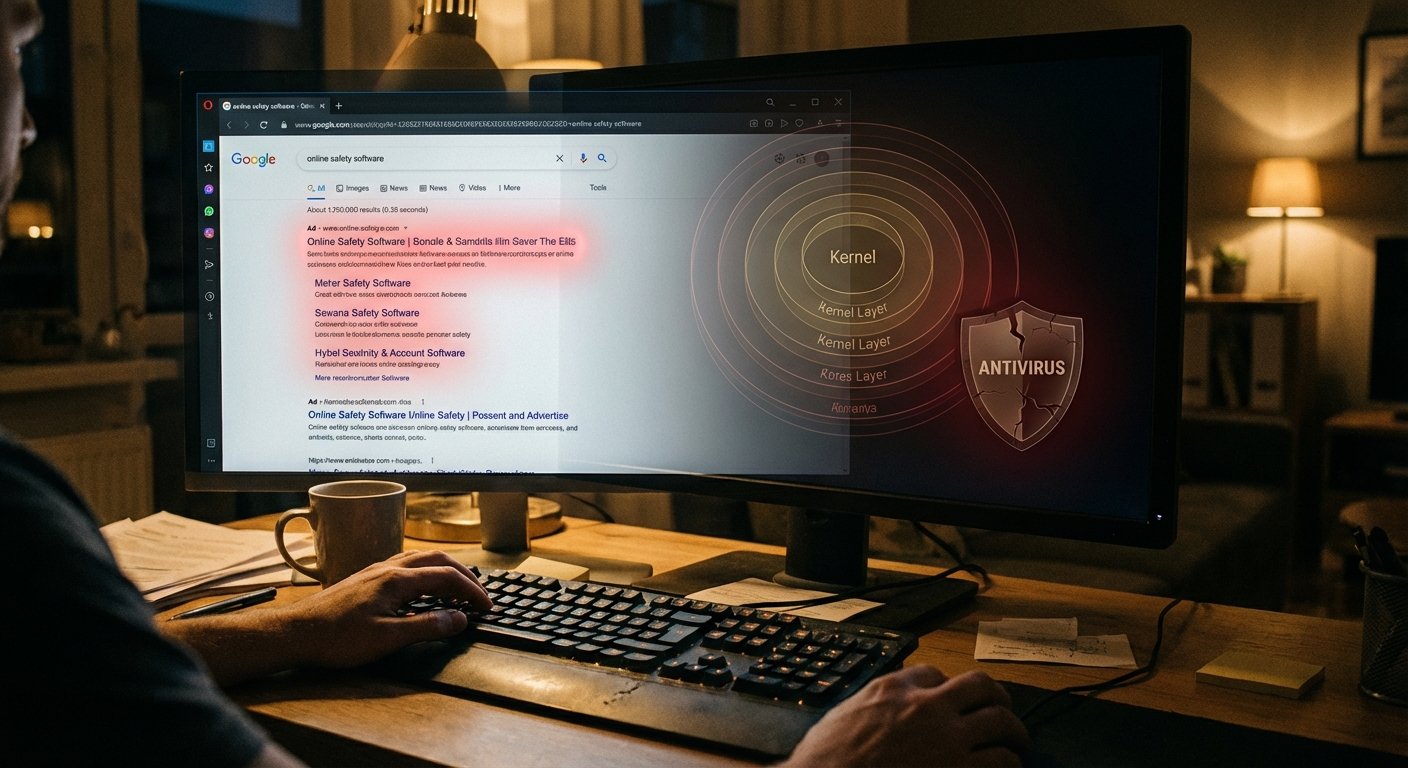
You Googled a W2 form. You clicked the top result, which was an ad. That click ended with your antivirus dead and an attacker with interactive remote access to your machine. Nothing crashed. No warning appeared. The machine looked fine.
Huntress documented this live campaign, running since January 2026. Here’s how it works.
The ad targets W2 and W9 searchers specifically. People dealing with taxes are in a hurry and have financial credentials worth stealing. The ad uses dual cloaking: security researchers see an innocent page; targeted users see the malicious one.
Click it, and you get a fake browser update prompt. The “update” is FatMalloc, a crypter that unpacks malware while evading static analysis. FatMalloc drops HwAudKiller.
HwAudKiller loads a legitimate, digitally-signed Huawei audio driver and installs it as a kernel service called “Havoc.” Then it uses that driver to kill your endpoint security software. That’s the BYOVD trick: Bring Your Own Vulnerable Driver. Your antivirus runs in user space. The kernel is above it. Once something operates at the kernel level, your security tools can’t defend themselves. They just stop.
After that, ScreenConnect gets installed for persistent remote access. It blends in because legitimate IT teams use it everywhere.
How to not become a case study: don’t click Google Ads for tax forms. Go directly to IRS.gov. Any page that shows you a “browser update” prompt is lying. For IT teams, look at your driver allow-listing and make sure Microsoft’s Vulnerable Driver Blocklist is current.
Tax season runs through April. This campaign is still active.